Support Appointment Form
Please fill out the following information so we can provide you with timely phone support.



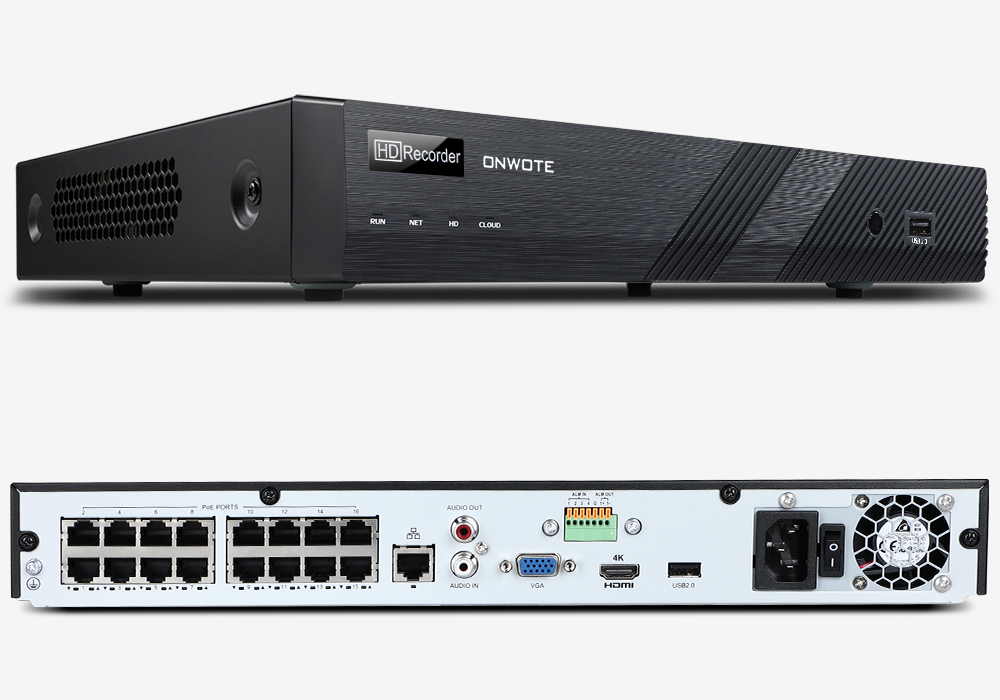
How to fix the issue if the NVR (Network Video Recorder) keeps rebooting?
1. Unplug the Ethernet cable from your router, power on your NVR to check whether it can work when it disconnected with the router.
2. If NVR can work after you disconnected the Ethernet cable from NVR, please right click your mouse on the monitor, choose Menu--Maintenance--System info.
Email support@onwote.com your NVR firmware version so we can help you upgrade NVR to fix this issue.
3. If step 1 doesn't fix the issue. Please power off the NVR, uncrew the top cover of your NVR, unplug the 2 hard drive cables from hard drive , then power on the NVR. check whether your NVR can work without hard drive.
If NVR can work without hard drive, please replace your hard drive. If NVR still cannot work, your NVR is defective.