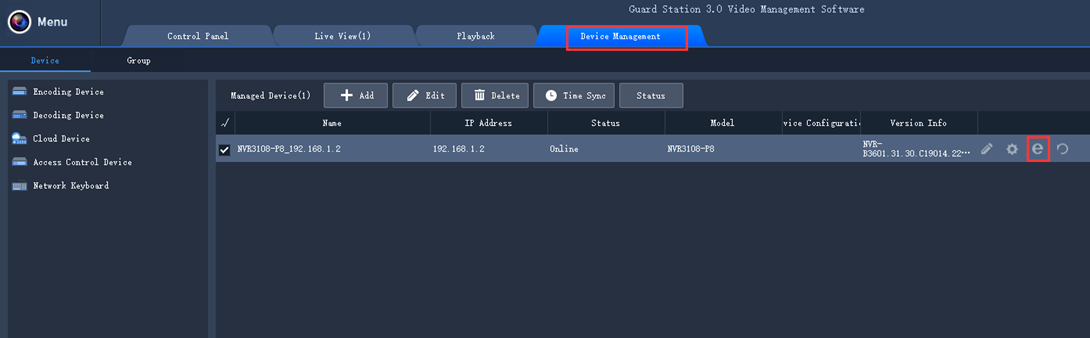
1.Please launch GuardStation(http://onwote.com/Download#Software#NVR30...Series)on your computer. Login and go to Device Management--Encoding Device or Cloud Device. If you choose Cloud device, please login your clould account(the account you registered on mobile app GuardViewer or Elink Defense).
2. Please click on the right side of your device.
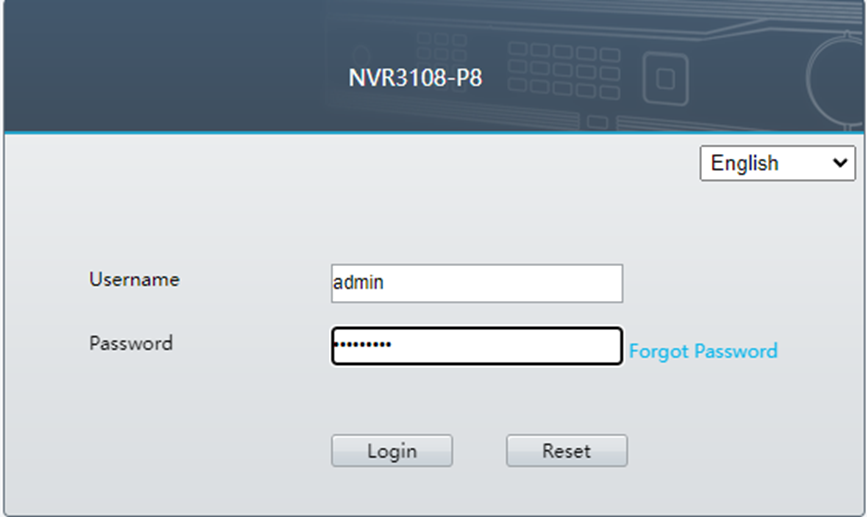
3. You will be forwarded to the web client. Please log in with NVR user name (default is admin) and the NVR password.
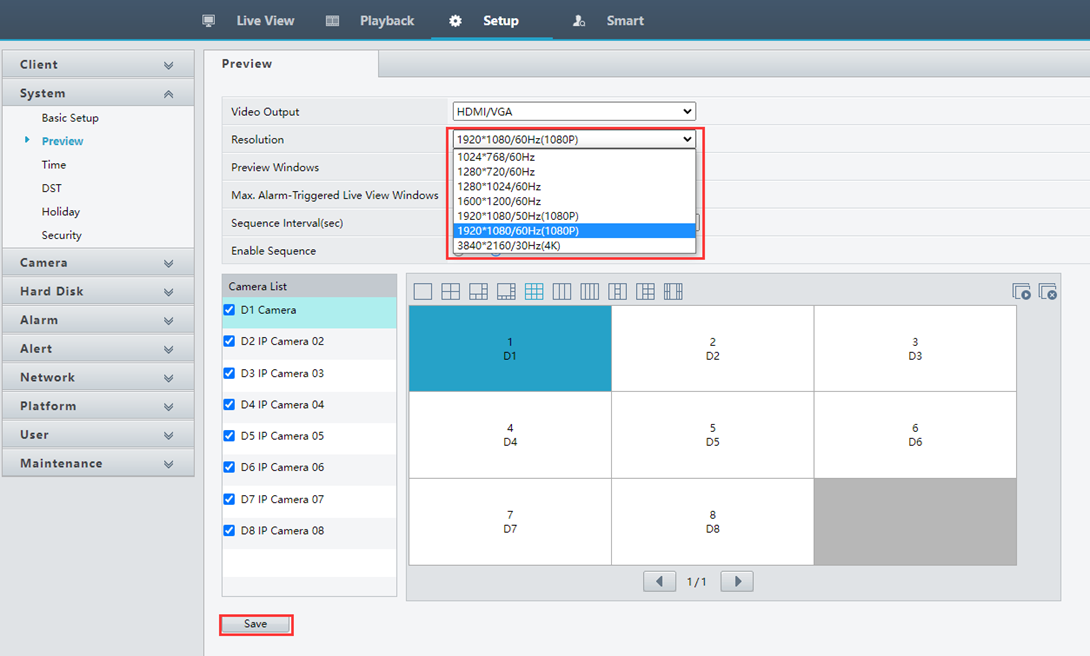
4.Please go to Setup—System—Preview to change Resolution to the same with the monitor you use. Then click on Save. This resolution will only change NVR output resolution, won’t change live video/ recording resolution.