Support Appointment Form
Please fill out the following information so we can provide you with timely phone support.



Backup video from NVR
Attention: Use “VLC” player to play backup files.
Here is the link: https://www.videolan.org/index.html
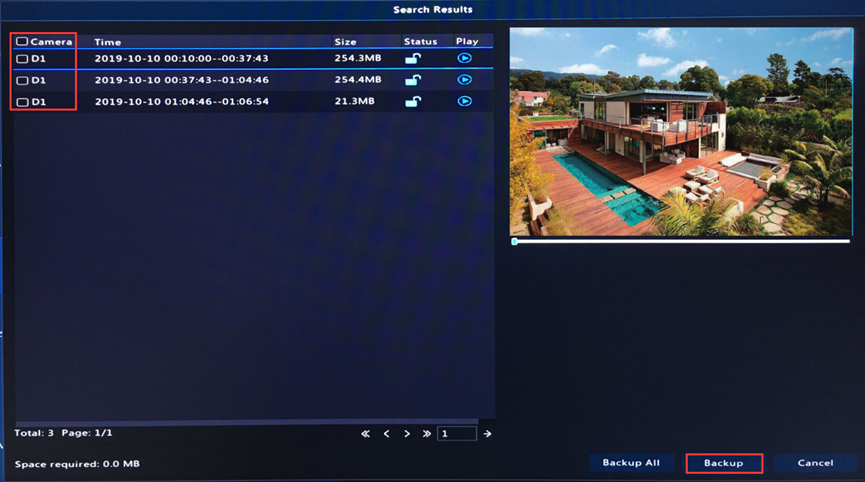
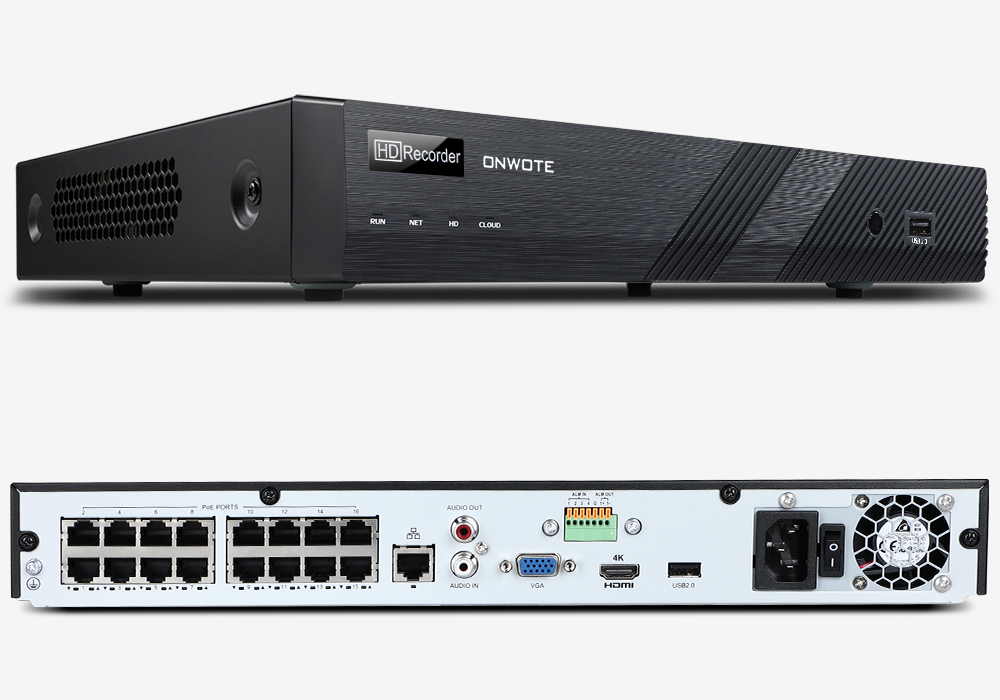
1. Insert a USB disk into the NVR USB port. Right click the mouse on the NVR monitor, choose Menu--> Backup; select camera, date and time, then click Search.
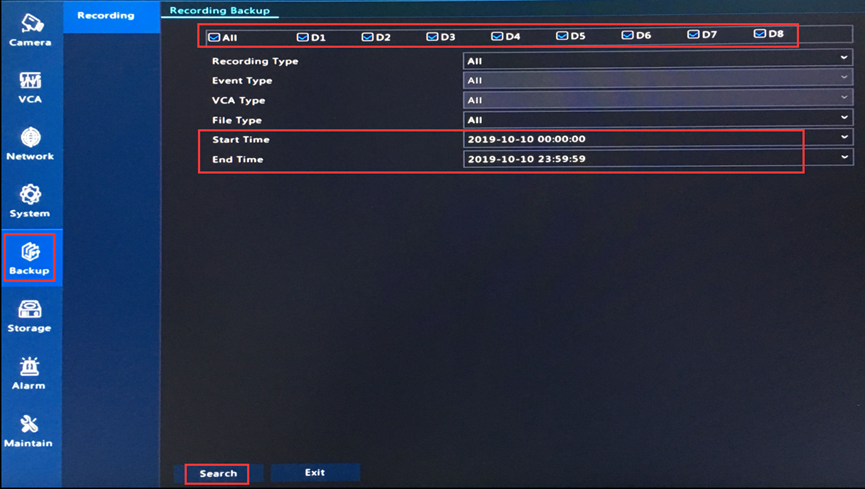
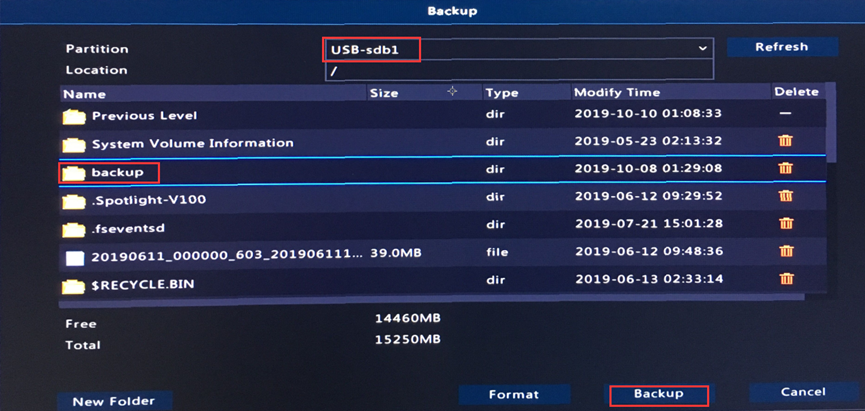
2. Then a window will pop up, click Backup to continue.