Support Appointment Form
Please fill out the following information so we can provide you with timely phone support.



Setup Alerts on mobile phone
1. GuardViewer App:
Open mobile App- Guard Viewer, tap  on top left, tap on Me on the top left, choose General--Push Notification Settings, turn on Allow Notifications.


Go back to the main menu, choose Alarm Notifications, tap on Allow Notification, turn on notifications of your device.


2. Elink Defense
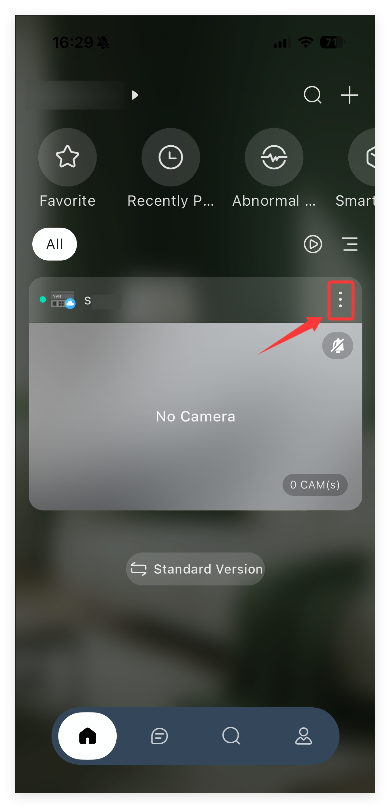
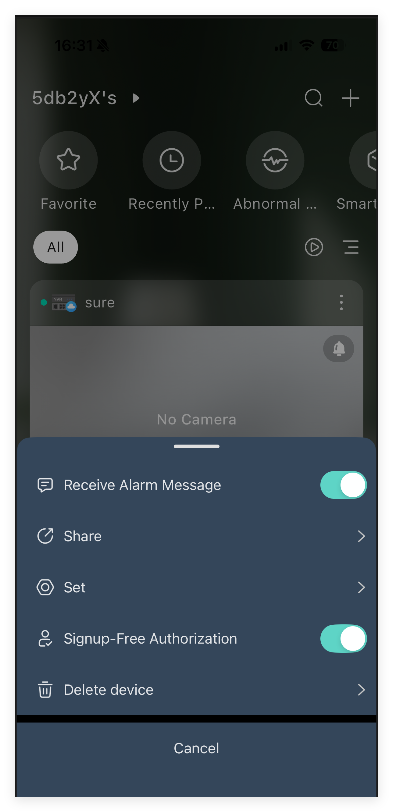
Tap on the right side of the device. Turn on Receive Alarm Message
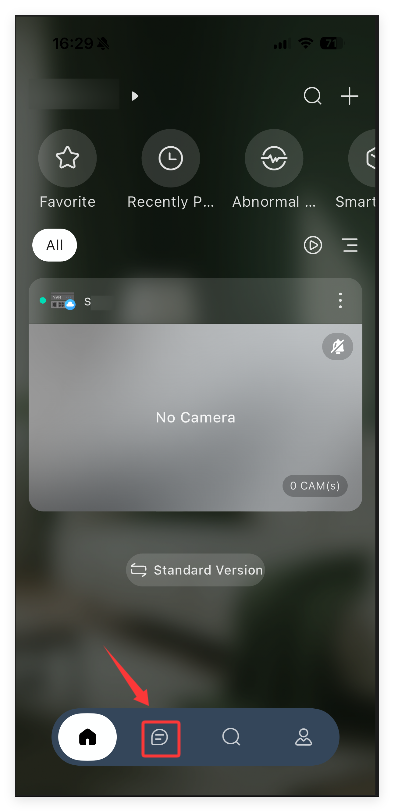
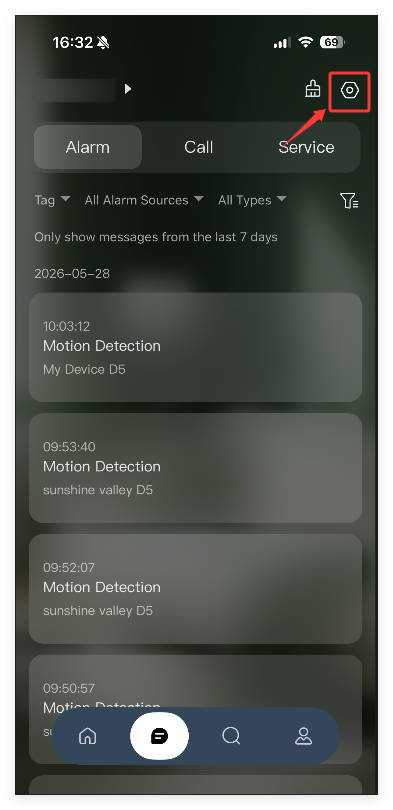
Tap  on the bottom. Tap on
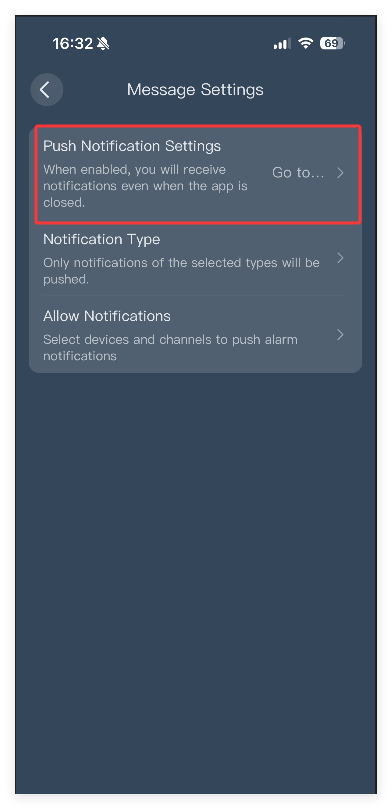
  on the top right, tap on Push Notifications Settings to allow the app to push you messages.